ThunderGold Scalper EA MT5 v1.3
ThunderGold Scalper EA MT5 v1.3
ThunderGold Scalper EA MT5 v1.3 is an automated Gold trading Expert Advisor for MetaTrader 5. The included setup notes specify XAUUSD or GOLD on the M15 timeframe and emphasize the importance of spreads, slippage, liquidity and execution speed. This digital package includes the compiled v1.3 EA, six preset files and setup reference notes.
ThunderGold Scalper features and controls
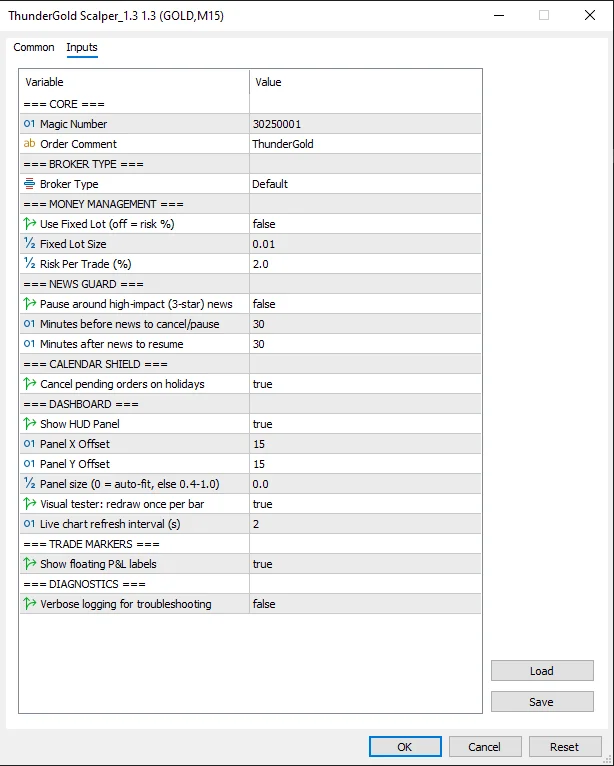
- Fixed-lot mode or percentage-based risk input
- Default and Exness broker settings
- Optional pause around high-impact news, with configurable minutes before and after events
- Holiday protection for pending orders
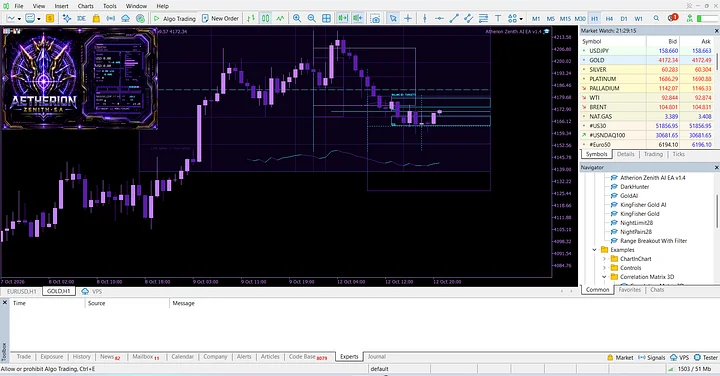
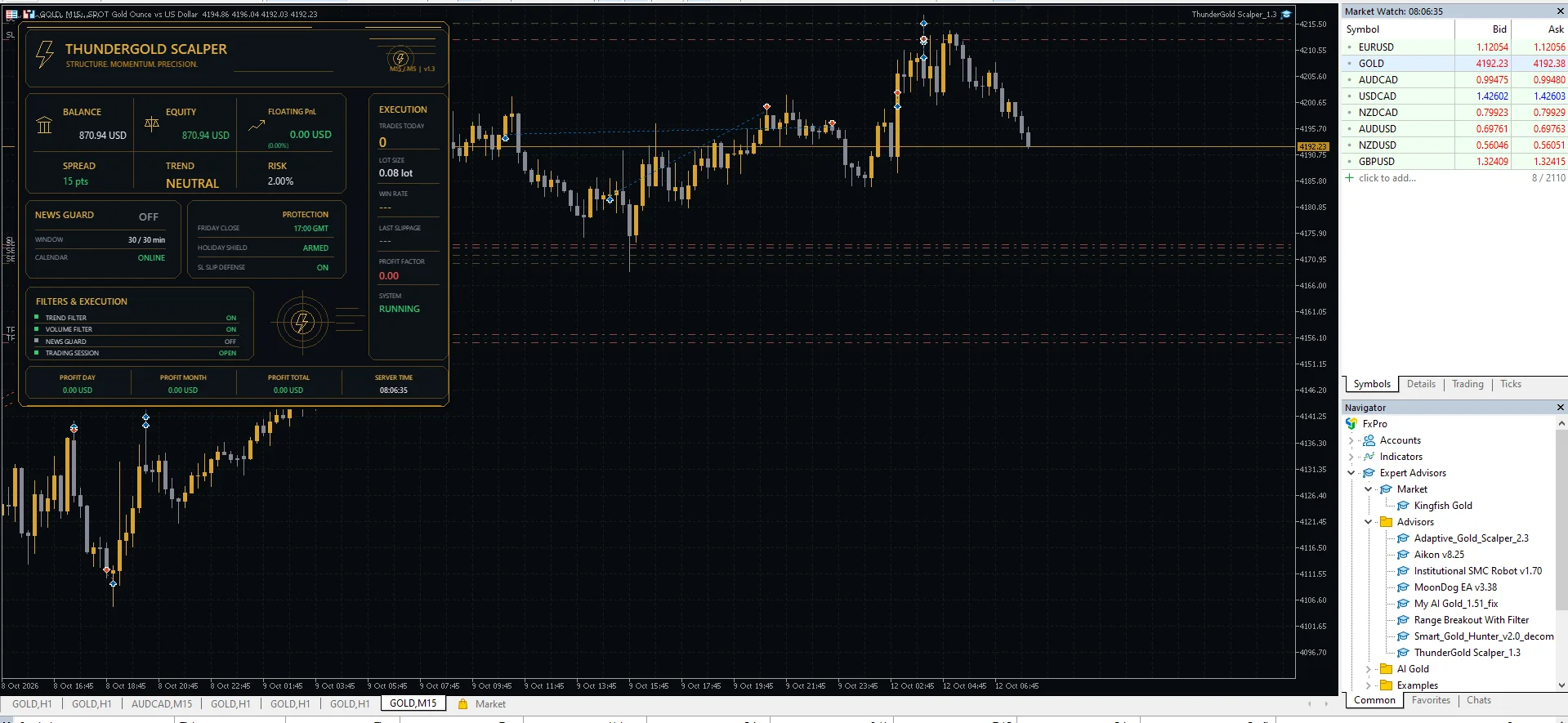
- On-chart dashboard showing account balance, equity, spread, trend, execution and system information
- Optional floating profit-and-loss labels and troubleshooting logs
- Magic Number and trade-comment inputs for identifying EA trades
The supplied dashboard also displays trend and volume filter status, a trading-session status and Friday-close protection. The package notes state that internal strategy parameters are preconfigured. Review the available inputs rather than assuming every internal trading rule can be changed.
Recommended MT5 Gold setup
Use MetaTrader 5 with the broker’s XAUUSD or GOLD symbol on M15. The included notes recommend a Raw Spread or Raw ECN account, a minimum deposit of $100 and a starting volume of 0.01 lot. They describe 0.5% to 1% risk as a starting range and 2% as the maximum recommended risk. These are package recommendations, not assurances that a particular account size or setting is safe.
For Exness, select Exness under Broker Type. Otherwise, review the Default setting and test your broker’s conditions. Keep MT5 and Algo Trading active; the notes recommend a VPS near the broker’s server for continuous operation.
What is included in the download?
- ThunderGold Scalper_1.3.ex5
- Four GOLD Auto Lot presets labeled Risk 1, 2, 3 and 5
- ThunderGold_Low_Default.set and ThunderGold_Low_Exness.set
- Pairs and Time frame.txt
- URL For EA.txt with WebRequest setup references
The supplied presets currently enable fixed-lot mode at 0.01 lot. The Risk 3 and Risk 5 files contain 3% and 5% risk inputs, above the notes’ 2% maximum recommendation, but those inputs depend on the selected lot-sizing mode. Inspect every preset before use.
Installation and testing
First, extract the ZIP and copy the EX5 file into the MT5 MQL5/Experts folder. Then refresh the Navigator or restart MT5, open the Gold M15 chart and attach the EA. Load a suitable preset, inspect all inputs and review the included WebRequest notes if using features that need external data. Finally, test on a demo account before considering live use. For tester guidance, see the official MetaTrader 5 Strategy Tester documentation.
Supplied screenshots and risk information
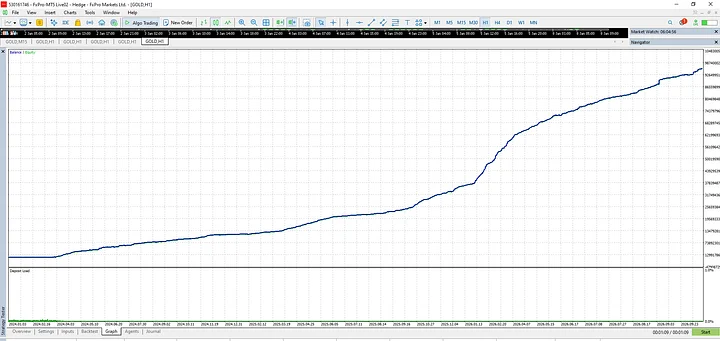
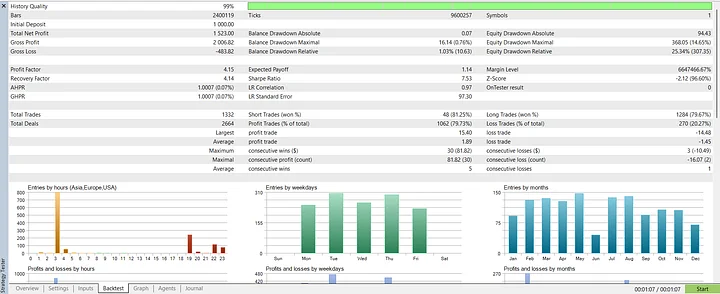
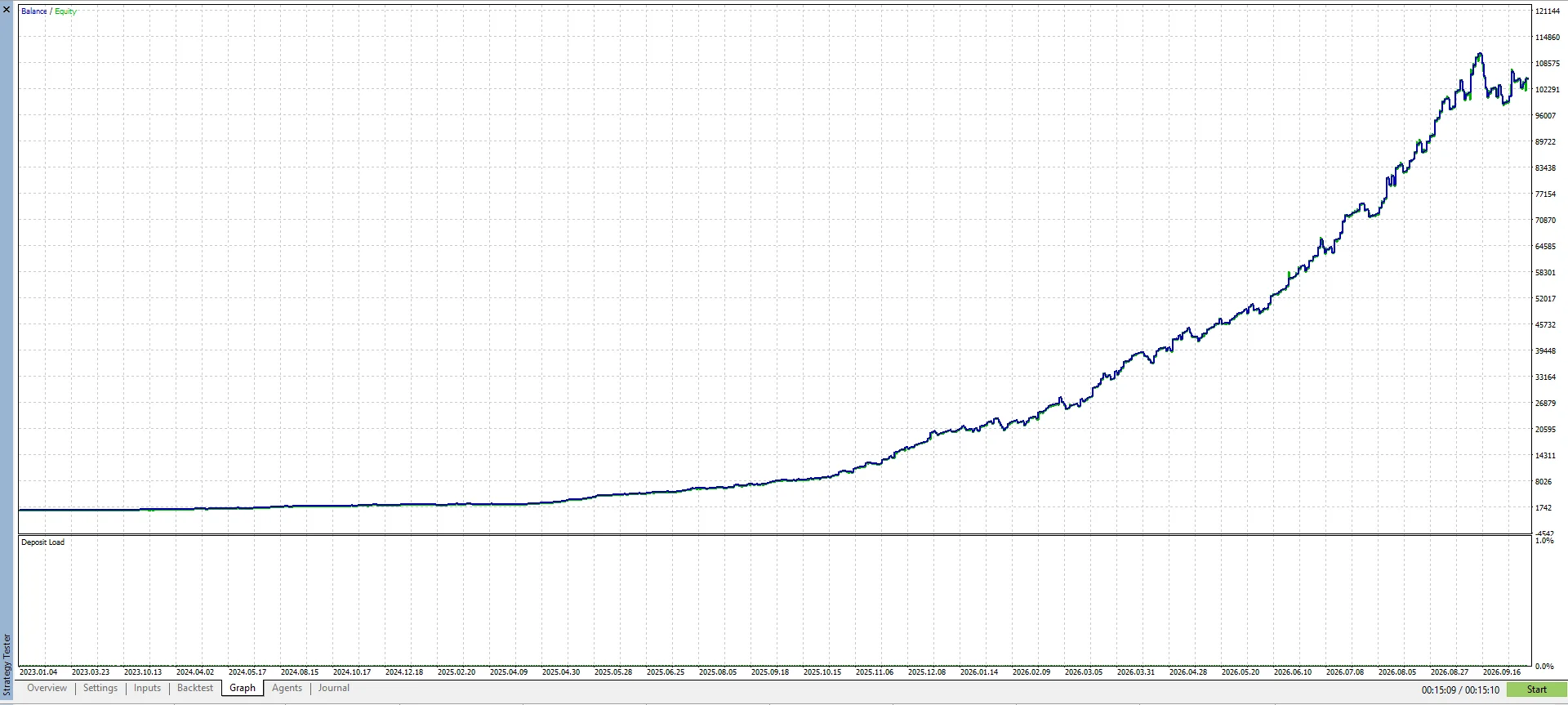
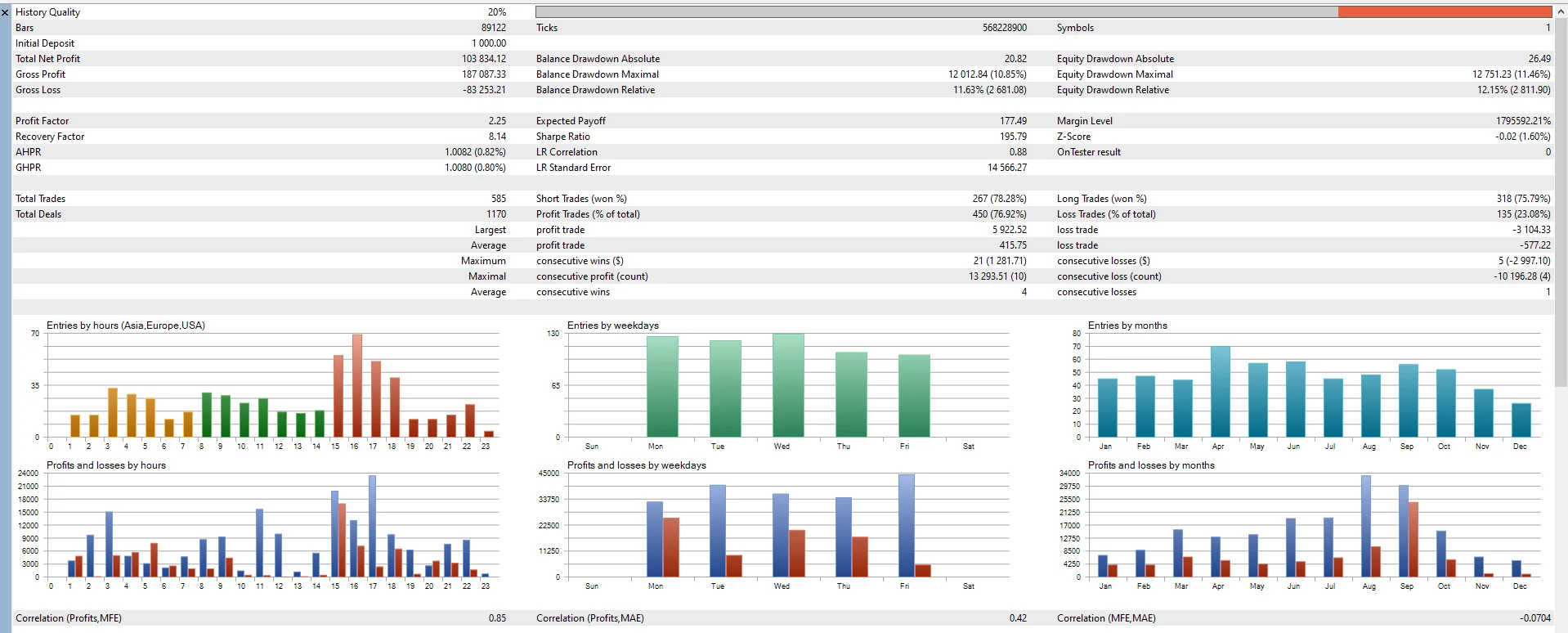
The gallery includes the dashboard, inputs, equity curve and a supplied backtest report. That report shows 585 trades, a 2.25 profit factor and 20% history quality. The low history-quality figure limits confidence in the test; it is not verified live performance. Broker costs and execution can materially change results.
The supplied logo contains a V2 update label; this listing delivers version 1.3 as identified by the ZIP and EX5 file. Gold and CFD trading can produce significant losses. Historical results do not guarantee future performance, and consecutive stop losses may occur.
Browse more MT5 Expert Advisors for Gold trading.