Quantum Athena X EA MT5 v2.2
Quantum Athena X EA MT5 v2.2
Quantum Athena X EA MT5 v2.2 is an automated XAUUSD Gold trading Expert Advisor for MetaTrader 5. The supplied guide describes a default configuration and customizable strategy selection. This ZIP package includes the compiled v2.2 EA, three preset files and a setup guide, so you can review its configuration before testing with your broker.
Quantum Athena X EA features and inputs
- Default configuration with six strategy enable/disable inputs
- Lot-sizing presets for auto-balance, fixed-lot and reserved-risk configurations
- Spread and slippage inputs, trade direction and Magic Number settings
- FOMC trading-disable option, NFP Friday filter and year-end pause inputs
- Configurable trading days
- On-chart information panel and line-style settings
- Emergency basket-loss percentage input and debugging option
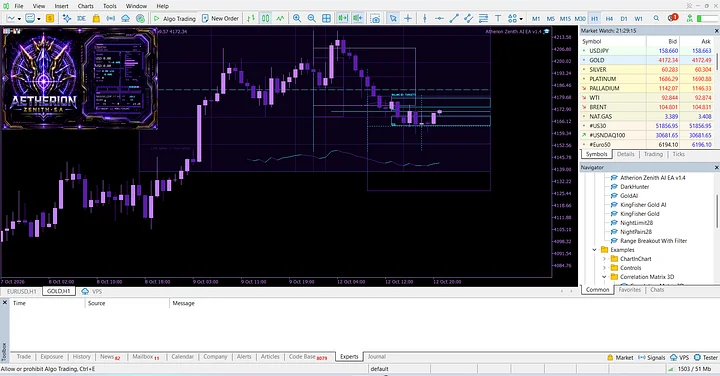
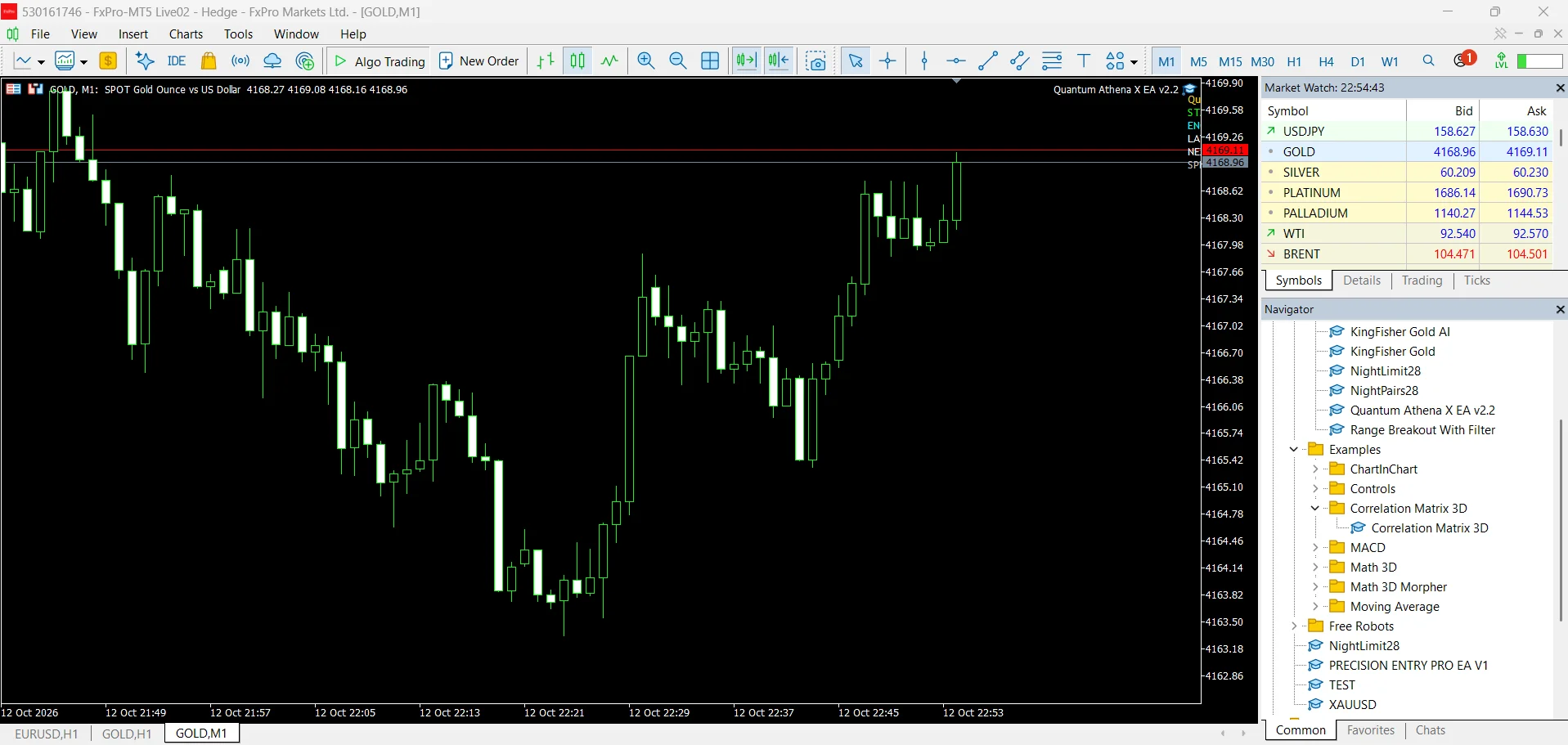
The supplied presets identify XAUUSD as the intended instrument and state that the chart timeframe is not used for signals. The chart screenshot shows the EA on Gold M1. Review the actual inputs after loading a preset, including the pause setting and enabled strategies, rather than relying only on the preset filename.
Broker and account requirements
The guide specifies a hedging account and two-decimal Gold pricing. It states that brokers with three-decimal Gold pricing are not compatible. ECN, Raw or low-spread conditions are recommended in the supplied guide, which names VT Markets and TMGM as examples. Confirm your own broker’s symbol specification and execution conditions before use.
The package guide lists a $500 minimum deposit with 1:500 leverage, a $1,000+ recommended starting balance and a minimum leverage of 1:100. These are the supplier’s stated setup recommendations, not assurances of account safety. It also calls for a VPS for continuous operation. High leverage can magnify losses, so evaluate exposure and settings on a demo account first.
Included download files
- Quantum Athena X EA v2.2.ex5
- QAX_Auto_Balance.set
- QAX_Fixed Lot_Low Risk.set
- QAX_Risk_Reserved.set
- Seting and Guide.txt
The fixed-lot preset contains a 0.01 lot input. All three supplied presets contain a 25.0 emergency basket-loss percentage input. Review how each input operates in the EA and the selected mode; these values do not guarantee a maximum realized loss.
Installation and testing
First, extract the ZIP and read the guide. Copy the EX5 file into the MT5 MQL5/Experts folder, refresh the Navigator and attach the EA to the broker’s Gold chart. Then load your chosen SET file and review every setting before enabling Algo Trading. Keep the terminal or VPS running when automated operation is required.
Next, test using realistic spreads, commissions and execution assumptions. Compare different market periods and follow with a demo test. For platform guidance, see the official MetaTrader 5 Strategy Tester documentation.
Supplied historical test screenshots
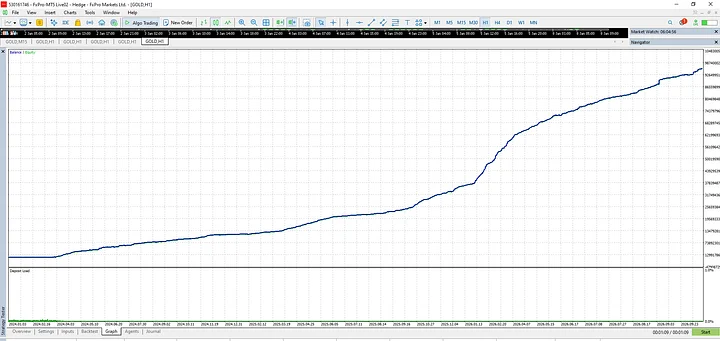
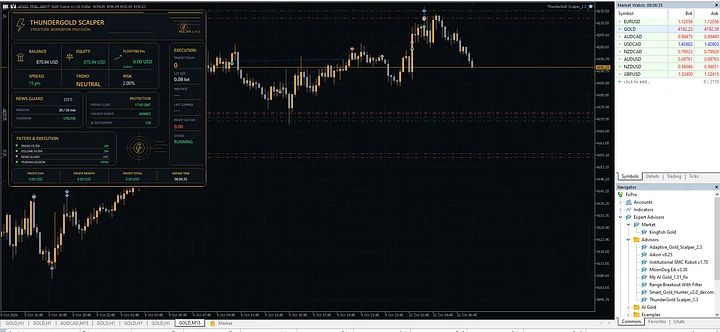
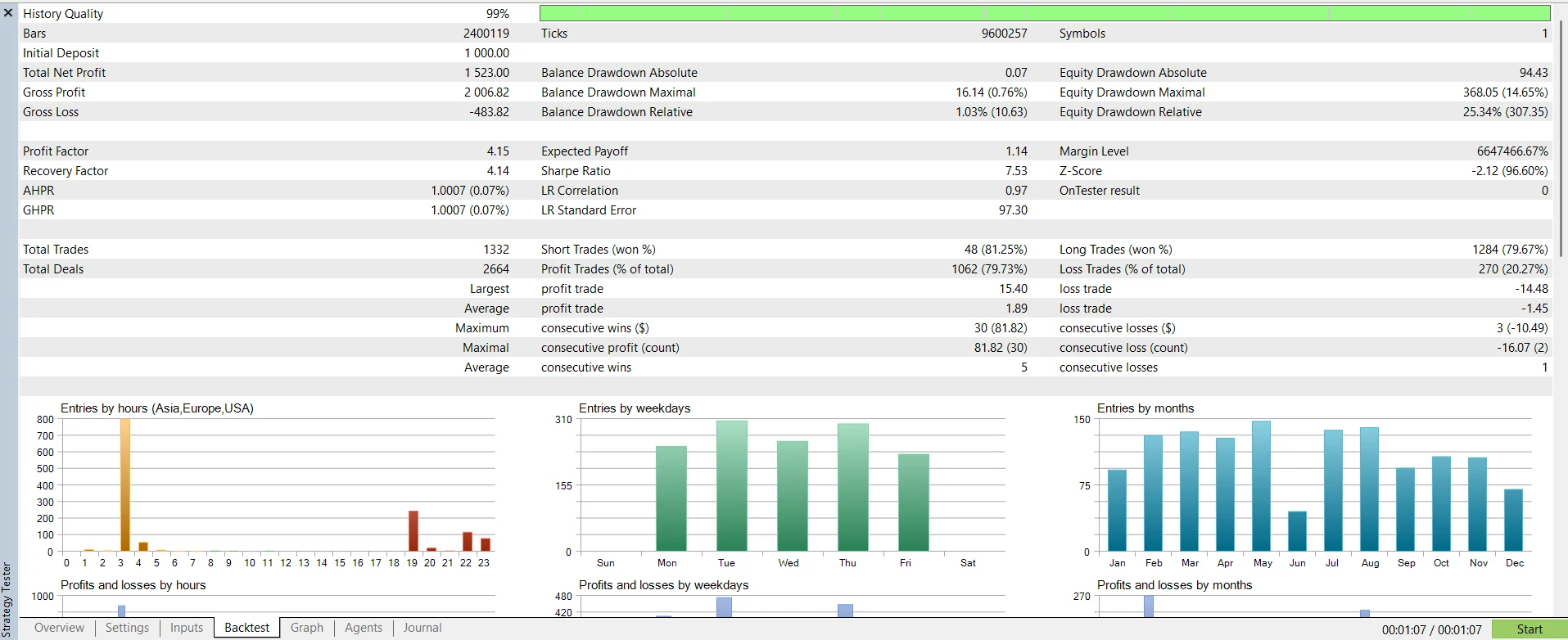
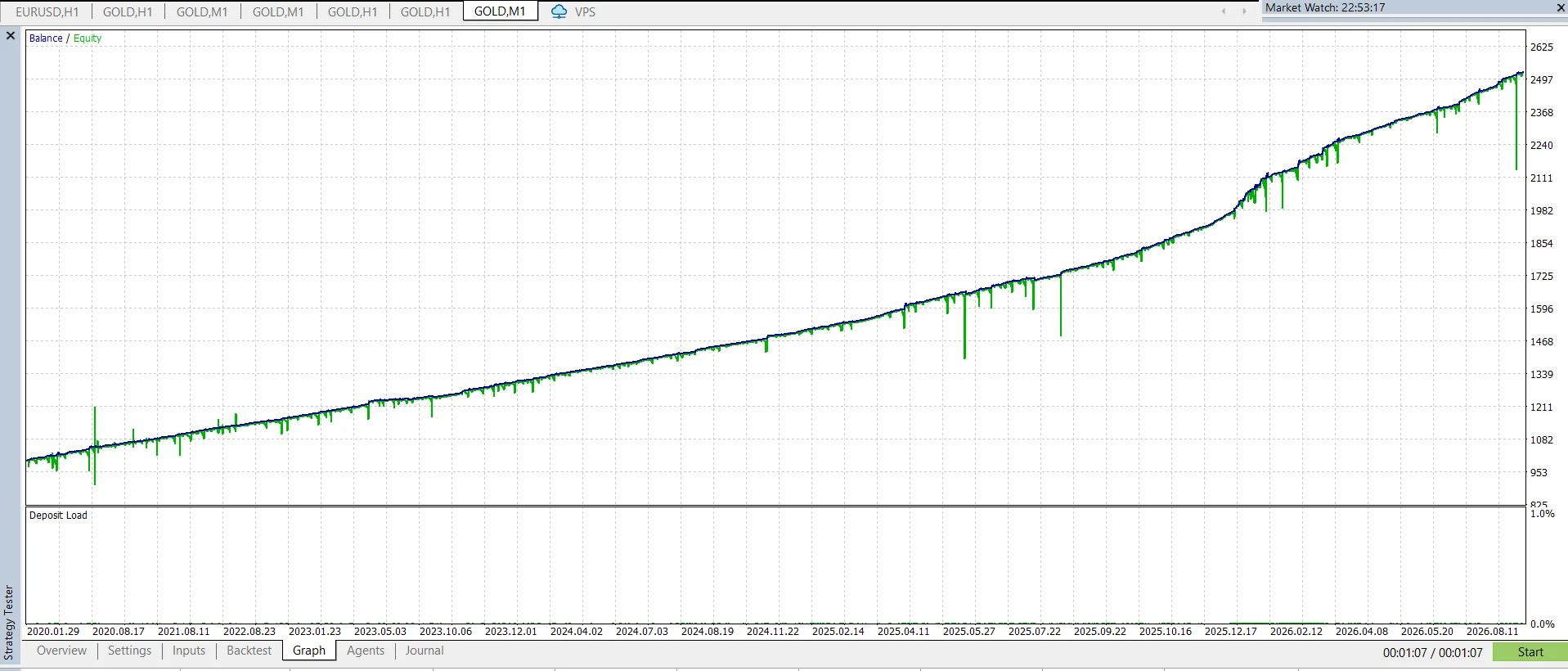
The gallery contains a test report, balance/equity curve and Gold chart screenshot. The report displays 99% history quality, 1,332 trades, a 4.15 profit factor and 25.34% relative equity drawdown. These supplied historical results are not independently verified live performance and do not guarantee future outcomes.
The boxshot’s discount, rating, award and live-signal labels are part of the supplied artwork. This listing does not independently verify those promotional claims. Gold and CFD trading can produce significant losses; monitor total open exposure and understand the trading approach before live use.
Explore more MT5 Expert Advisors and Quantum EAs.